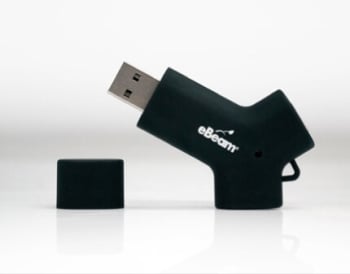



eBeam Livewire
Please Call or Email for Special Prices
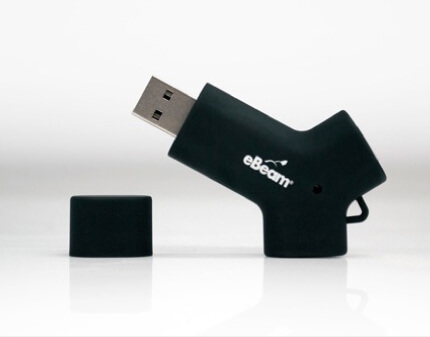
eBeam Livewire eliminates the need to download or install eBeam software making sharing within your organization simple. Connect Livewire to an available USB port and plug your eBeam USB cable or eBeam Wireless USB Adapter into the Livewire. The software launches for immediate interactivity in a meeting or classroom. No administrative access to the computer is required so you can be up and running in an instant.
PRODUCT OVERVIEW

Benefits:
- Five applications on one device! Livewire provides access to eBeam Workspace (Windows) eBeam Education Suite and eBeam Capture (Mac and Windows)
- “Plug and Play” functionality - no drivers required
- Friendly user interface, easy to navigate
- Mobile and accessible – eBeam Livewire doesn’t require privileged user/access accounts to operate
Windows
- Windows XP, 7 & 8
- Intel Pentium Dual-Core, 2.1GHz
- 2 GB RAM
- 250 MB of available disk space recommended
- CD/DVD ROM drive or Internet connection
- available USB 2.0 or 3.0 port

Mac OS X
- OS 10.6 or higher
- Intel Core Duo 1.5Ghz
- 2 GB RAM
- 250 MB of available disk space recommended
- CD/DVD ROM drive or Internet connection
- available USB 2.0 or 3.0 port
| Product Name | eBeam Livewire |
|---|---|
| Manufacturer | eBeam |
| Color | Blue Pearl Fade Metallic Finish |
Write Your Own Review