


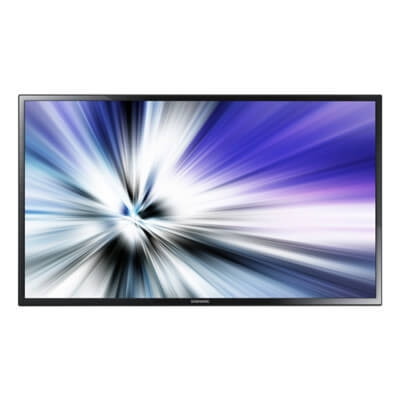
Samsung 32” MDC Series SMART Signage
Please Call or Email for Stock & Availability
The Samsung MDC Series LFD is an optimised display for all your core business needs. Creating and managing your messaging is made simple by the Samsung Smart Signage Platform (SSSP)
Create and manage content easily on all-in-one displays
The built-in Samsung Smart Signage Platform (SSSP) on MDC Series displays eliminates the need for additional PCs or media players to generate and control local content. You can create and display custom messaging with just a few clicks.

Display content optimally with easy image rotation
Create content in portrait or landscape mode—and then rotate it without having to rework on the content. Samsung displays support a pivot and Image Rotation function that display content vertically or horizontally, without ratio distortion. Conveniently rotate your content with two display options: original ratio and full ratio.

Keep your message playing with automatic source switching
The Auto Source Switching feature of MDC Series displays maintains virtually constant and seamless content display. This feature automatically changes the display from one content source to another when the original source fails. Source recovery enables a content source to be used as a backup for ongoing play when another source is unavailable. This flexibility ensures that your business content remains available when you need it.

Magic Clone
Remote control

| Product Name | Samsung 32” MDC Series SMART Signage |
|---|---|
| Weight | 2.902991 |
| Dimensions | 736 x 436 x 93.5 mm |
| Resolution | 1920x1080 (Full HD) |
| Built-In Speakers | No |
| Aspect Ratio | 16:9 |
| Bezel Width | 16.3mm (Bottom 21.9mm) |
| Manufacturer | Samsung |
| Color | Black |